Promo codes
How to use a promo code
A promo or discount code takes money off a purchase. You enter it at checkout, on the secure payment page.
Four steps
Pick your product
Open the page for the product you want. If your offer names a product, choose that one.
Start your purchase
On the product page, select the button that starts with Get. Sign in, or create your account if you do not have one. An account is free.
Add your code on the payment page
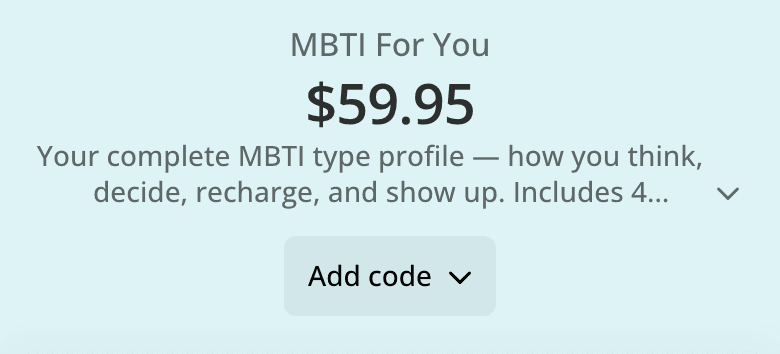
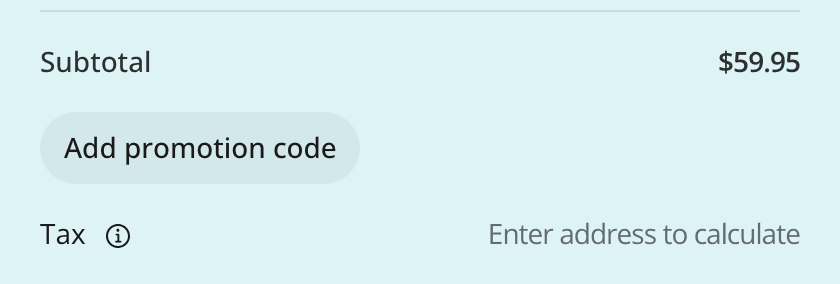
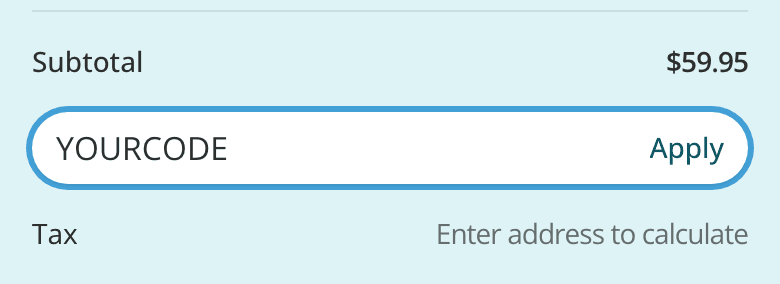
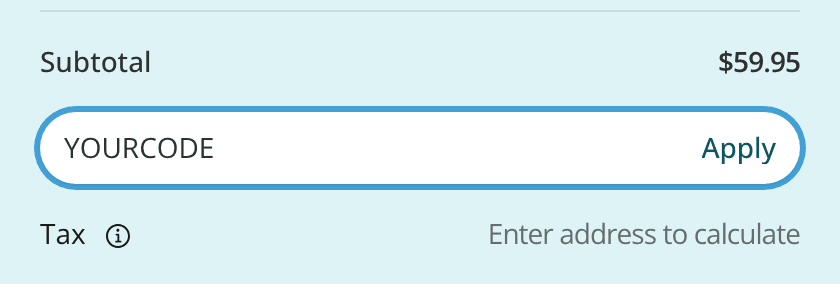
On a phone, tap Add code under the price. On a computer, select Add promotion code under the subtotal. Type your code, then select Apply.
Check the discount, then pay
Your code appears under the subtotal with the amount it takes off, and the total drops. If the total has not changed, the code was not applied, so do not pay yet.
After you pay, you come straight back to the site and can start.
Good to know
- If your code covers the full price, you are not asked for a card. Enter your name and address, then select Complete order.
- One code per order.
- Tax, where it applies, is added on the payment page.
- Buying it as a gift? The code goes in the same place. Buy a gift
Promo code or gift code?
Promo code
A promo code is usually a word or short phrase from an offer or an email. It lowers the price at checkout.
Enter it at checkout
Gift code
A gift code is 16 letters and numbers from a gift email. Someone has already paid, so there is nothing to buy.
Redeem it on the gift page
Redeem a gift codeCode not working?
- Check every letter and number. Capital letters do not matter.
- The offer may have ended, or the code may already have been used.
- A code can be limited to one product. Check your offer for which one.
- A 16-character code from a gift email is a gift code. It goes on the gift page, not at checkout.
Still not working, or already paid without your code? Contact support